> For the complete documentation index, see [llms.txt](https://cytools.cjkproduction.com/llms.txt). Markdown versions of documentation pages are available by appending `.md` to page URLs; this page is available as [Markdown](https://cytools.cjkproduction.com/wiggler.md).
# WIGGLER
A simple Blender addon that enables users to add random noise to the rotations of selected objects, either mesh or camera, via a GUI in the 3D Viewport's Tool shelf.
### Usage
Access the addon's panel:
1. Open a 3D Viewport in Blender.
2. In the 3D Viewport, locate the Tool Shelf on the right side.
3. Look for the "CY-Tools" tab and click it to reveal the addon panel.
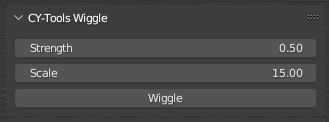
The `strength` and `scale` values are properties that control the noise applied to the rotations of selected objects.
1. Strength: The `strength` value determines the intensity or magnitude of the noise effect on the object's rotations. A higher strength value results in more significant variations in the object's rotations, while a lower value leads to subtler changes. The strength property has a default value of 0.5, and the user can set it between 0 (no noise) and 10 (maximum noise).
2. Scale: The `scale` value controls the frequency of the noise effect. A higher scale value results in a slower, more gradual change in the object's rotations, giving the impression of a smoother, less erratic motion. Conversely, a lower scale value leads to rapid, frequent fluctuations in the rotations, creating a more chaotic and erratic motion. The scale property has a default value of 15, and the user can set it between 0 (extremely high-frequency noise) and 100 (very low-frequency noise).
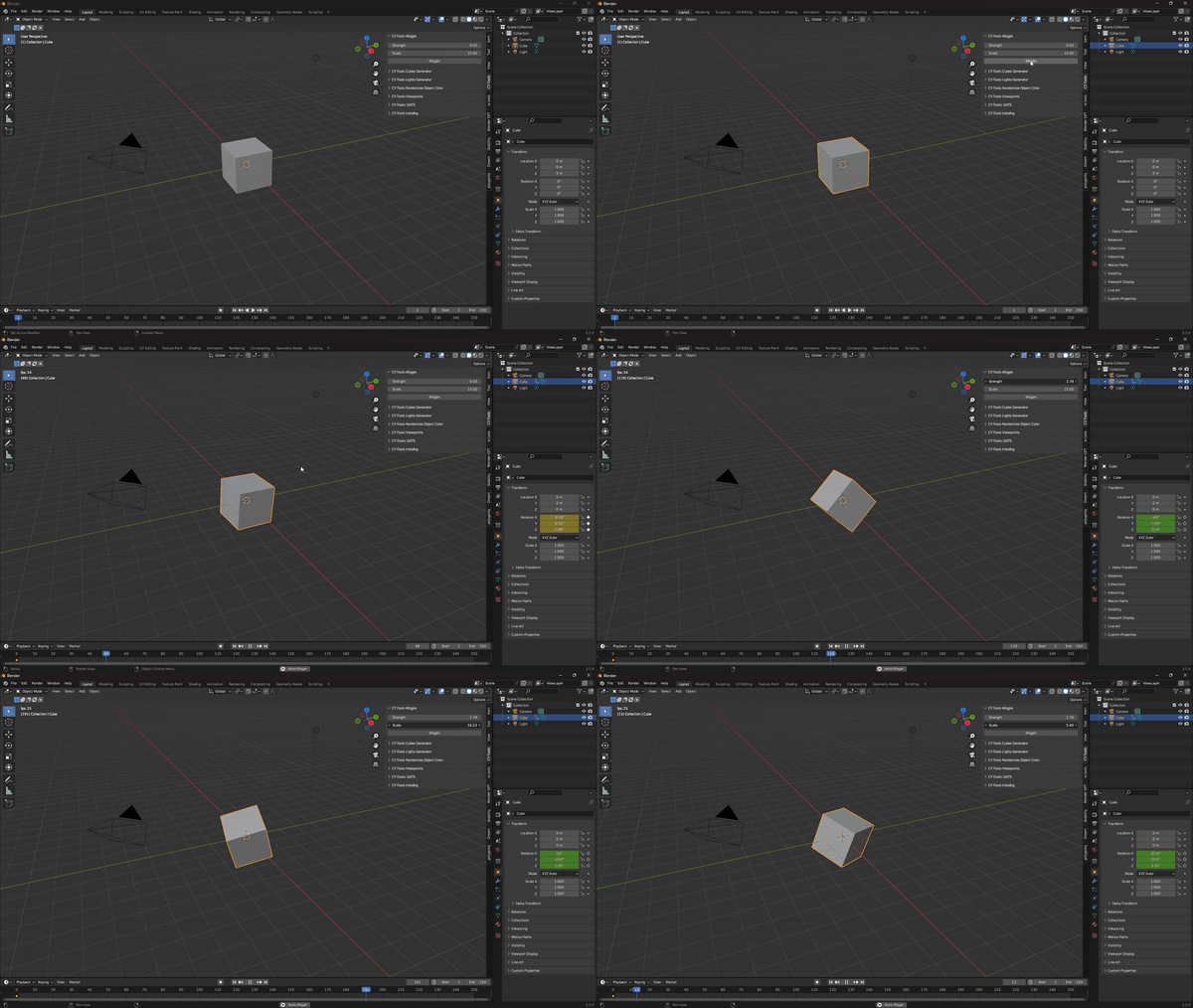
Applied to a cube mesh
### Recommendations
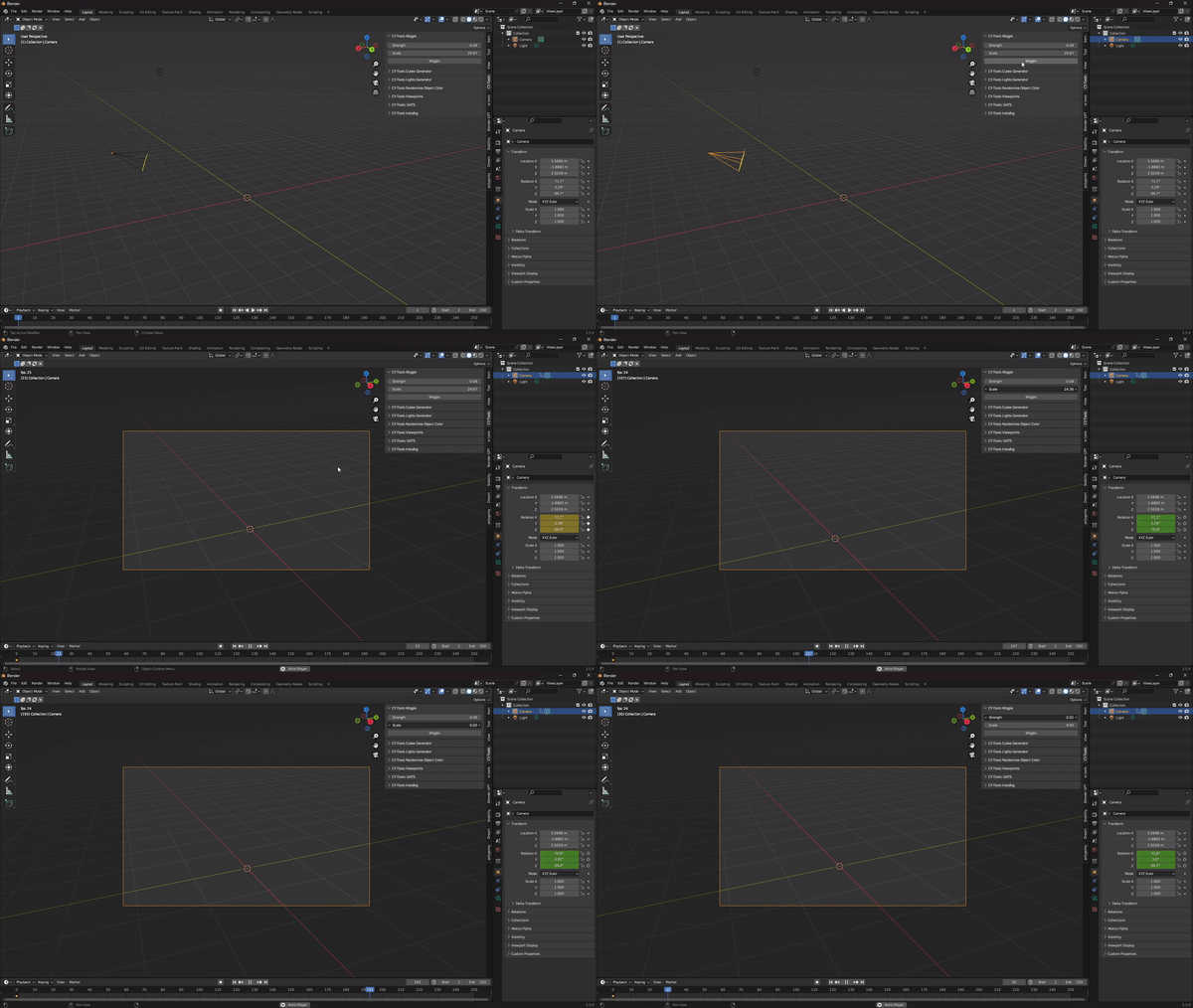
I personally built this script to quickly get some camera noise modifiers going in a blink as I felt the whole keyframing process took a little while, I used some addons, but then I figured why not make my own very minimal version. This is a great way to instantly add a handheld effect to your camera.
Applied to a camera for quick random shake
### Development considerations
This addon is still in development and interactions may occasionally not work as expected.\
Follow this addon on Blender Market to stay tuned regarding any updates.
### Author and License
Cy-Tools is a suite of Blender Addons created by @cyrusjameskhan and\
licensed under the GNU General Public License (GPL). See [LICENSE](/license.md) for more information.
---
# Agent Instructions
This documentation is published with GitBook. GitBook is the documentation platform designed so that both humans and AI agents can read, navigate, and reason over technical content effectively. Learn more at gitbook.com.
## Querying This Documentation
If you need additional information that is not directly available in this page, you can query the documentation by asking a question.
Perform an HTTP GET request on the following URL with the `ask` and `goal` query parameters:
```
GET https://cytools.cjkproduction.com/wiggler.md?ask=&goal=
```
`ask` is the immediate question: it should be specific, self-contained, and written in natural language.
`goal` is what the user is ultimately trying to achieve, the reason they need the answer. Sharing it helps GitBook give you a better, more relevant answer. A goal is most helpful when it describes the outcome the user wants rather than restating the question. For example, with `ask=how do I create an API token`, a goal like `automate deployments from our CI pipeline` lets GitBook tailor the answer to that use case.
The response will contain a direct answer to the question and relevant excerpts and sources from the documentation.
Use this mechanism when the answer is not explicitly present in the current page, you need clarification or additional context, or you want to retrieve related documentation sections.